Silent Shard Snap
/
Backup Information: Android
Backup Information - Android
Last updated: Jan 30, 2024
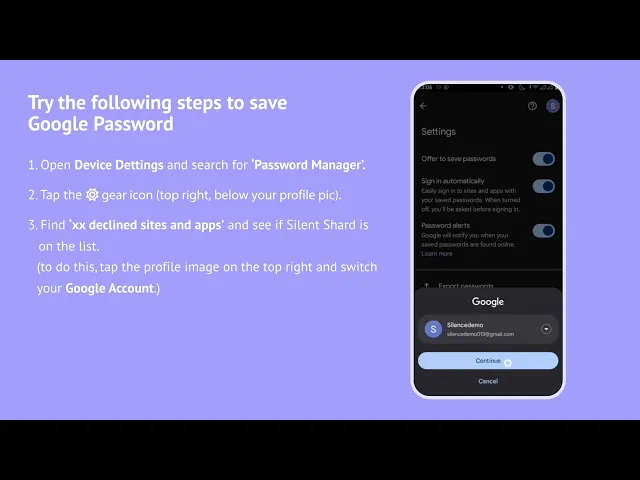
If you are facing issues with backing up your Silent Shard wallet, you may try the following:
Open Device Settings, search for 'Password Manager'.
Tap the ⚙️ gear icon (top right, below your profile pic).
Find "XX declined sites and apps" and see if Silent Shard is on the list.
If yes, hit the cross ✖ next to Silent Shard to remove it.
Not there? Verify this for ALL of your Google accounts in the Password Manager (tap your profile image, top right) and try steps 2, 3 and 4 again
If you have any questions, You can contact us by email: